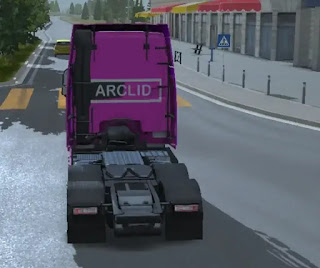
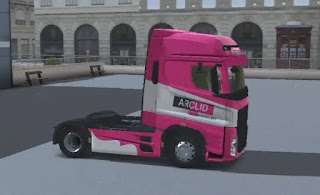
Step 2:Paste the skin into the destination folder
- Paste the skin into the destination folder.
- Paste the skin into the appropriate folder based on the truck you want.
- Here I pasted the skin for truck MOON THA. You paste based on the truck’s wants.
Android->Data->com.WandaSoftware.TruckersofEurope3->files->Skins->Moon->THA(paste here)
Note:
Due to new Android policy we won't accesse the destination folder.We need Z-archiever app for doing this.
Step 3:Load the Skin
Follow the below steps
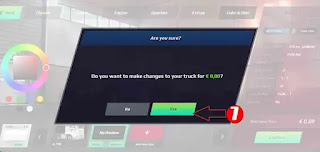
- Open the "store" in the game
- Click "Truck"
- Open "Configure"
- Click "colour & skin"
- Click "Add New Skin"
- Then "load the skin" you want.
 |
1
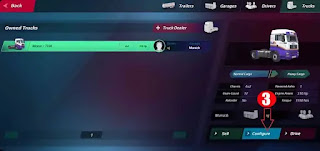 |
| 2 |
|
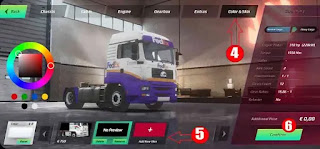 |
| 3 |
 |
| 4 |
The above-detailed procedure is explained in the below video. To know the details watch the below video.
Download Skin:
Video Explanation